


Is Public Wi-Fi Safe for Playing GTA 6 While Traveling?
 Sharon
 2026.11.22
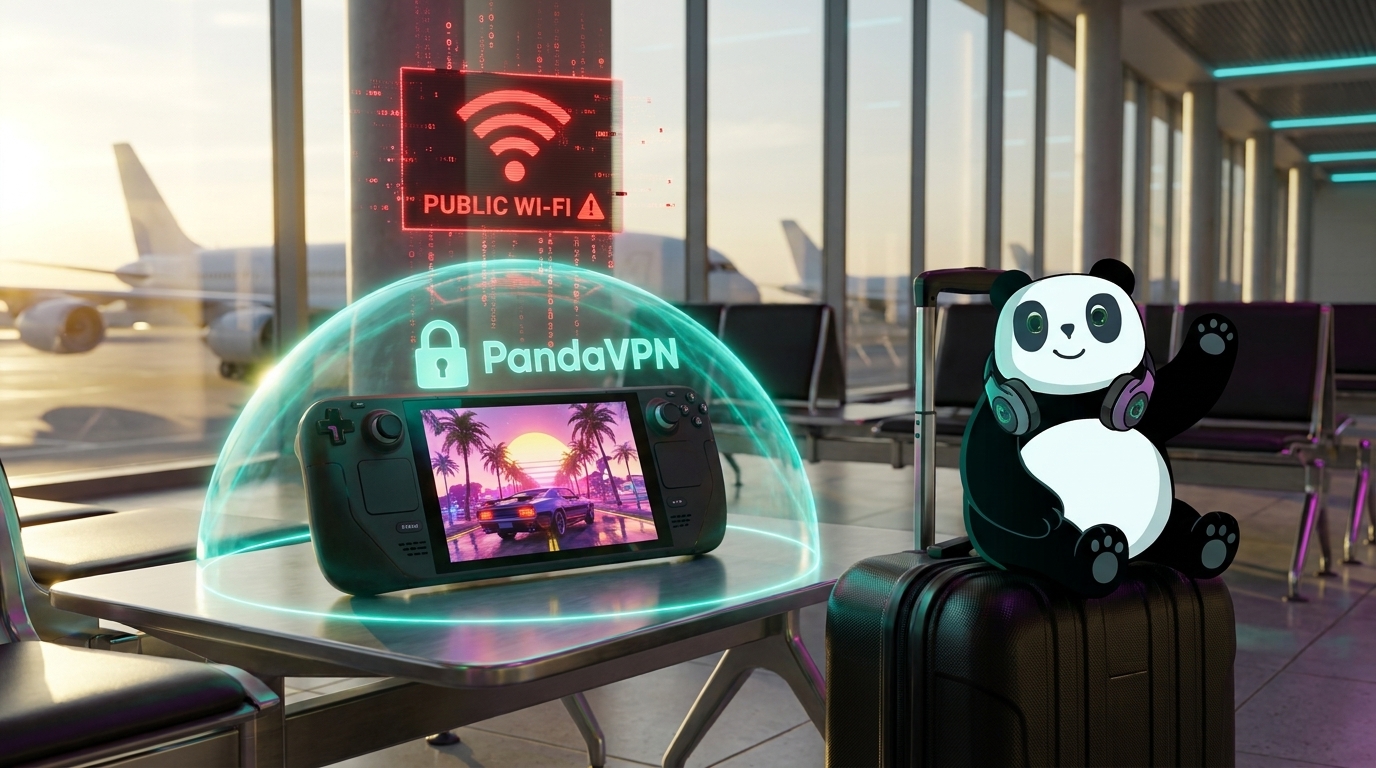
A hotel room, airport lounge, or café can be a convenient place to relax with Grand Theft Auto VI—but public Wi-Fi deserves a little caution. Shared networks can expose your device to unwanted monitoring and other security risks, especially when you sign in to gaming accounts or use companion apps.
GTA 6 is currently available on PlayStation 5 and Xbox Series X|S as a single-player experience. Rockstar has not announced a GTA 6 online mode, so there are no GTA 6 multiplayer lobbies or international matchmaking pools to connect to at launch. But protecting your accounts and devices still matters when you travel.

What can go wrong on public Wi-Fi?
On an unsecured or poorly configured network, other users may be able to observe some unencrypted network activity. Fake hotspots can also imitate legitimate hotel or café networks. These risks do not mean someone can automatically see your passwords: secure websites and apps use HTTPS encryption, and account security features such as two-step verification add another layer of protection.
It is still wise to avoid sensitive account activity on networks you do not trust. Check the hotspot name with staff, use unique passwords, turn on two-step verification, and keep your device and apps up to date.
How PandaVPN can help
PandaVPN encrypts traffic between your device and the VPN server, helping protect that connection when you use public Wi-Fi. It also masks your public IP address from the sites and services you connect to. PandaVPN advertises a network of more than 6,000 servers across 232 locations in 102 countries, with IPLC routing and bandwidth of up to 10 Gbps on supported network paths.
A VPN is one part of a safer setup. It cannot prevent phishing, malware, weak passwords, or account takeovers, and it does not replace HTTPS or two-step verification. A VPN also cannot guarantee lower latency or prevent every denial-of-service attack.
Playing on a console while you travel
GTA 6 is currently a console game, so check how your travel setup will connect before relying on a VPN. PandaVPN apps are available for Windows, macOS, iOS, Android, Linux, Android TV, and Apple TV. To route a PlayStation or Xbox through a VPN, you may need a compatible router or another supported network-sharing setup; check the console, router, and PandaVPN instructions first.
VPN routing can change your connection path. Depending on the hotel network, server location, and routing, it may improve stability—or increase latency. If you use a VPN for remote play or other connected services, try a nearby server and compare the connection before settling in for a long session.
A simple travel checklist
- Confirm the Wi-Fi network name with hotel or café staff.
- Use a VPN on devices connected to public Wi-Fi.
- Enable two-step verification on your gaming and email accounts.
- Avoid “free GTA 6,” account-sharing, or early-access links from unknown sources.
- Use a strong, unique password and keep recovery details current.
- Test your console or remote-play connection before you travel.
PandaVPN supports up to 10 simultaneous device connections, so you can cover multiple devices on one subscription. For current plans, supported setup options, and guarantee terms, visit the PandaVPN pricing page or download page.

Related Posts


Featured Posts