


Ultimate Gaming & Secure Browsing: How PandaVPN Helps Reduce Packet Loss and Lag
 Sharon
 2026.11.04
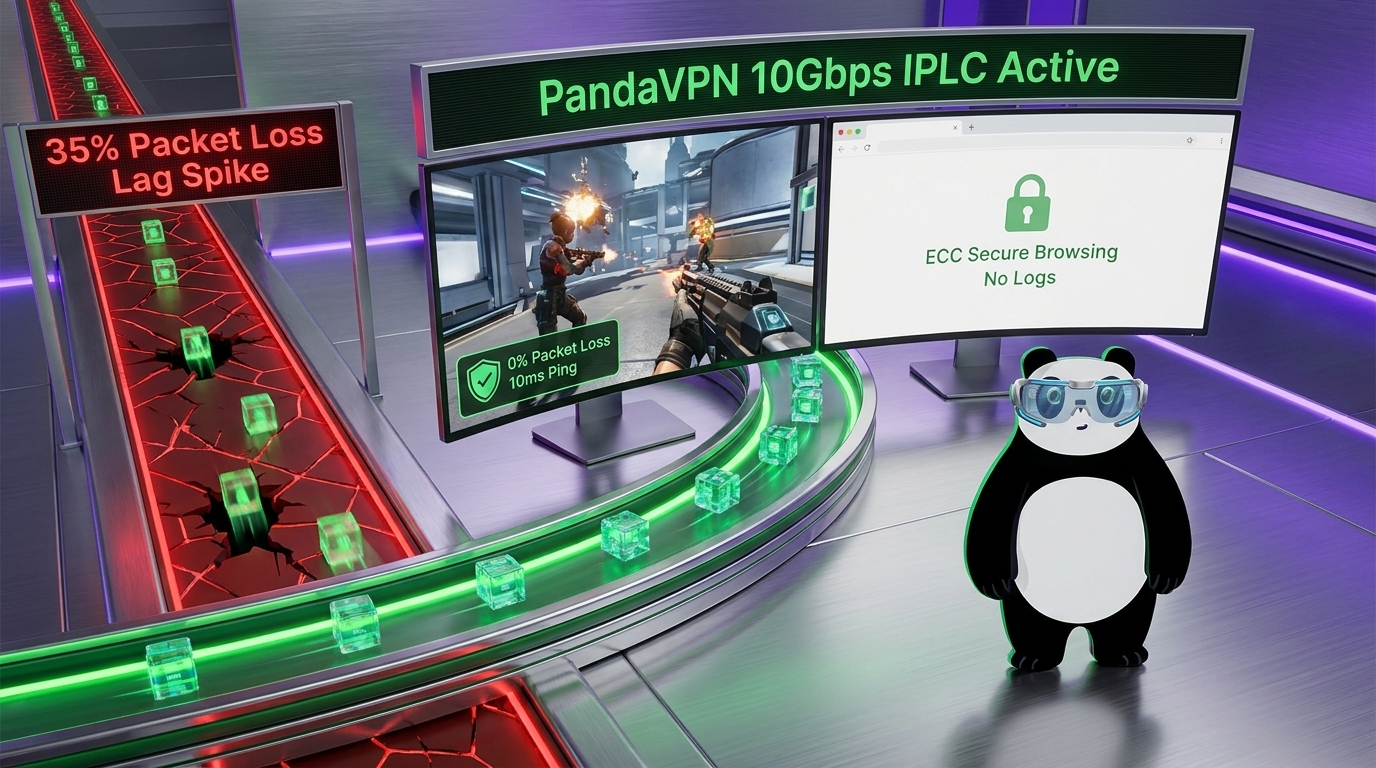
Nothing ruins an intense online gaming session faster than unexpected lag, rubber-banding, or a sudden disconnection. You might have a powerful gaming PC and a fast internet plan, yet still experience frustrating delays when your connection becomes unstable. One possible cause is packet loss, a network problem that can interrupt communication between your device and the game server.
Can a VPN help reduce packet loss and improve gaming performance? In some situations, yes. A VPN cannot eliminate every network problem, but it may improve connection stability when inefficient routing, network congestion, or certain types of ISP traffic management are affecting your gameplay.
That’s where PandaVPN comes in. With high-capacity servers, patented acceleration technology, and optimized international connectivity, PandaVPN offers another way to manage your network connection for gaming, streaming, and everyday browsing.

Can a VPN Solve Packet Loss?
Packet loss occurs when data packets traveling across a network fail to reach their intended destination. During online gaming, your device constantly exchanges information with the game server, including player movements, actions, and game-state updates. When some of these packets disappear along the way, the result can be delayed responses, character teleportation, inconsistent movement, or unexpected disconnections.
Several factors can contribute to packet loss, including overloaded network nodes, unstable Wi-Fi signals, faulty networking equipment, congested ISP routes, and problems with the game server itself.
A VPN may help when the problem lies along the network path between your device and the destination. By routing traffic through a VPN server, it changes the path your data takes across the internet. If the alternative route avoids a congested or unreliable segment, you may experience fewer lost packets and a more consistent connection.
Here are three ways a VPN may help improve network performance:
- Optimized Network Routing: Your ISP’s default route is not always the most efficient path to an overseas gaming server. Connecting through a VPN server may provide an alternative route that avoids certain congested network segments, potentially improving latency and connection stability.
- Reduced Impact of Certain ISP Restrictions: Some ISPs manage traffic based on network conditions, application types, or bandwidth usage. VPN encryption makes it harder for an ISP to identify the specific contents of your traffic, which may help reduce the impact of certain forms of application-specific throttling. However, it cannot eliminate all bandwidth restrictions or general network congestion.
- An Encrypted Connection Tunnel: A VPN creates an encrypted tunnel between your device and the VPN server, helping protect your data while it travels across the network. This is particularly useful when gaming or browsing on public Wi-Fi. Although encryption improves privacy, it does not automatically prevent packet loss caused by unstable wireless signals, overloaded routers, or problems at the destination server.
The key takeaway: A VPN is most useful for packet loss when changing your network route addresses the underlying problem. If packet loss originates from your home router, weak Wi-Fi coverage, or the game server itself, you may need a different solution.
Why Choose PandaVPN for Gaming and Secure Browsing?
A reliable VPN should offer more than a change of virtual location. For gamers, connection consistency matters just as much as raw speed. For everyday internet users, privacy and device compatibility are also important considerations.
PandaVPN combines network acceleration features with encrypted connectivity to support gaming, streaming, and general web browsing. Here’s a closer look at the features that can make a difference.
1. Patented Acceleration Technology and High-Speed IPLC Connectivity
When connecting to an overseas game server, the quality of your network route can matter as much as your advertised internet speed. A congested route may introduce additional latency, jitter, and packet loss even when your local connection has plenty of available bandwidth.
PandaVPN combines patented connection acceleration technology with high-capacity 10Gbps servers and International Private Leased Circuit (IPLC) connectivity on supported routes. These capabilities are designed to improve international connectivity and help reduce the impact of inefficient public internet routing.
With a network spanning more than 6,000 servers across 100+ countries, PandaVPN also gives you multiple server locations to explore. Depending on your location and destination, switching to a more suitable server may help you find a more stable connection for competitive gaming or high-definition streaming.
PandaVPN also offers unlimited bandwidth, helping users enjoy extended gaming and streaming sessions without a stated data-transfer cap under the applicable service terms.
Keep in mind that a 10Gbps server capacity does not mean every user will achieve 10Gbps download speeds. Actual performance depends on factors such as your internet plan, server load, distance, and network conditions. For gaming, a stable route with low packet loss and consistent latency is often more valuable than peak bandwidth alone.
2. ECC Encryption for Better Online Privacy
Gaming and browsing should not require you to sacrifice your privacy. Whether you’re signing in to a gaming account, browsing websites, or connecting through public Wi-Fi, protecting your internet traffic is an important part of staying secure online.
PandaVPN uses Elliptic Curve Cryptography (ECC) as part of its security technology. ECC is a family of cryptographic techniques used in modern security systems to support functions such as key exchange and digital signatures. Its use does not, by itself, establish the complete encryption strength of a VPN, which also depends on the protocols and other cryptographic components involved.
When connected to PandaVPN, your internet traffic travels through an encrypted VPN tunnel between your device and the VPN server. This helps prevent people on the same local network from easily inspecting your transmitted data and reduces the visibility of your browsing activity to your local network operator.
A VPN is particularly useful when you connect through shared networks in hotels, cafés, airports, or other public places. However, it does not replace secure website connections, strong passwords, or multi-factor authentication, and it cannot protect against every type of cyberattack.
3. A Strict No-Logs Policy for Greater Privacy
Your online activities can reveal a great deal about your interests, habits, and digital life. For users who value privacy, a VPN’s logging policy is therefore an important factor when choosing a service.
PandaVPN states that it follows a strict no-logs policy, designed to protect users’ online privacy. This is particularly relevant when you regularly switch between gaming, streaming, and everyday browsing.
A VPN can help reduce the visibility of your online activities to your ISP by encrypting traffic between your device and the VPN server. Websites and online services you access through the VPN will generally see the VPN server’s public IP address rather than your original public IP address.
However, a no-logs policy and an encrypted connection serve different purposes. Encryption protects data in transit, while a no-logs policy concerns what information the VPN provider collects and retains. Users should review the provider’s current privacy policy for the specific details of its data-handling practices.
For gamers and everyday internet users alike, combining encrypted connectivity with a clearly defined privacy policy provides a more privacy-conscious way to get online.
4. Cross-Platform Support for Your Gaming Devices
Modern gaming extends across desktop computers, mobile phones, tablets, and connected entertainment devices. A VPN that supports multiple platforms makes it easier to maintain a consistent connection setup as you switch between devices.
PandaVPN supports major platforms, including Windows, macOS, iOS, Android, Linux, and Apple TV. Its straightforward connection process also makes it convenient to connect to a server and change locations when your gaming or browsing needs change.
With support for up to 20 simultaneous device connections, subject to the applicable subscription terms, PandaVPN can accommodate users who connect multiple personal devices or share a subscription across a household.
Whether you’re playing on a Windows gaming PC, joining a mobile multiplayer match, or browsing on another supported device, you can choose a suitable VPN server for your intended activity.
For latency-sensitive games, consider testing several nearby or strategically located servers before starting a competitive session. Comparing in-game ping, packet loss, and jitter will help you determine whether a particular route actually improves your connection.
Say Goodbye to Unnecessary Lag with PandaVPN
Packet loss and lag can turn an otherwise enjoyable gaming session into a frustrating experience. Although a VPN cannot fix every underlying network problem, selecting a more efficient route may help when congestion or inefficient routing affects your connection to a game server.
PandaVPN brings together patented acceleration technology, high-capacity 10Gbps servers, IPLC connectivity on supported routes, and an extensive international server network. Combined with encrypted connections, a stated no-logs policy, and support for multiple platforms, these features make PandaVPN an option worth considering for gamers who want to balance connectivity, flexibility, and privacy.
Before choosing a VPN server, consider your actual needs. If you’re experiencing packet loss, test your connection with and without the VPN to determine whether routing is the problem. If the issue persists, check your Wi-Fi signal, router, ISP connection, and the game’s server status.
Ready to explore a different way to connect?
Download PandaVPN and discover whether an optimized VPN connection can improve your gaming, streaming, and everyday browsing experience.
Looking for a longer subscription? PandaVPN’s advertised 12 Months + 12 Months Free offer is listed at $2.49 per month, with a 7-day money-back guarantee, subject to the current offer terms. Check the official website for the latest pricing and eligibility details.

Related Posts

Featured Posts