How do I install PandaVPN on my Apple TV?
Open the App Store on Apple TV, search for PandaVPN, and install the app. PandaVPN for Apple TV requires tvOS 17.0 or later.
 Your IP: Unknown · Your Status: Unknown


Version: 9.5.0 Update: Supports: tvOS 17.0+
Trusted by users worldwide, PandaVPN gives Apple TV users a fast, secure, and private internet connection designed for the big screen.


Open the App Store on Apple TV, search for PandaVPN, download the app, and launch PandaVPN for Apple TV.
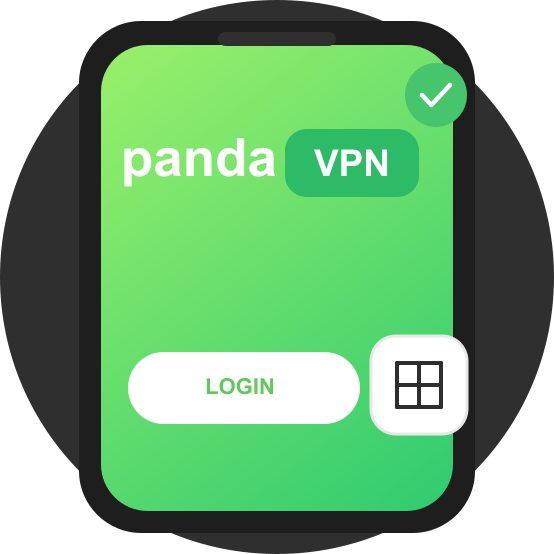
Sign in with your PandaVPN account on Apple TV, or use QR-code sign-in from your phone for a faster setup experience.

After signing in and connecting, enjoy movies, TV shows, live sports, and more on Apple TV with a smoother streaming experience.
Open the App Store on Apple TV, search for PandaVPN, and install the app. PandaVPN for Apple TV requires tvOS 17.0 or later.
PandaVPN supports account sign-in on the TV and QR-code sign-in from your phone. The QR-code option is ideal for big-screen setups because it reduces remote typing.
Make sure your Apple TV is updated to tvOS 17.0 or later. During your first connection, allow tvOS to create the VPN configuration, then choose Smart Mode or WireGuard Mode based on your network environment.